CashScroller vs Buffer: Honest Comparison
Quick answer: CashScroller vs Buffer — which should you pick?
Choose Buffer or a similar subscription scheduler if you want transparent published pricing, integrations and a multi-year track record, and can budget a monthly fee from roughly $12 to $19. Choose CashScroller if a single one-time payment matters more than that history — accepting that its longevity as a June-2025 brand is still unproven, which is the trade-off at the centre of this comparison.
- Subscription tools (Buffer, Later, Publer) charge monthly but publish their prices openly.
- Several platforms schedule posts for free at low volume, so you can start at no cost.
- CashScroller's edge is one-time pricing; its unknown is how long the vendor stays online.

CashScroller vs Buffer: what you are really comparing
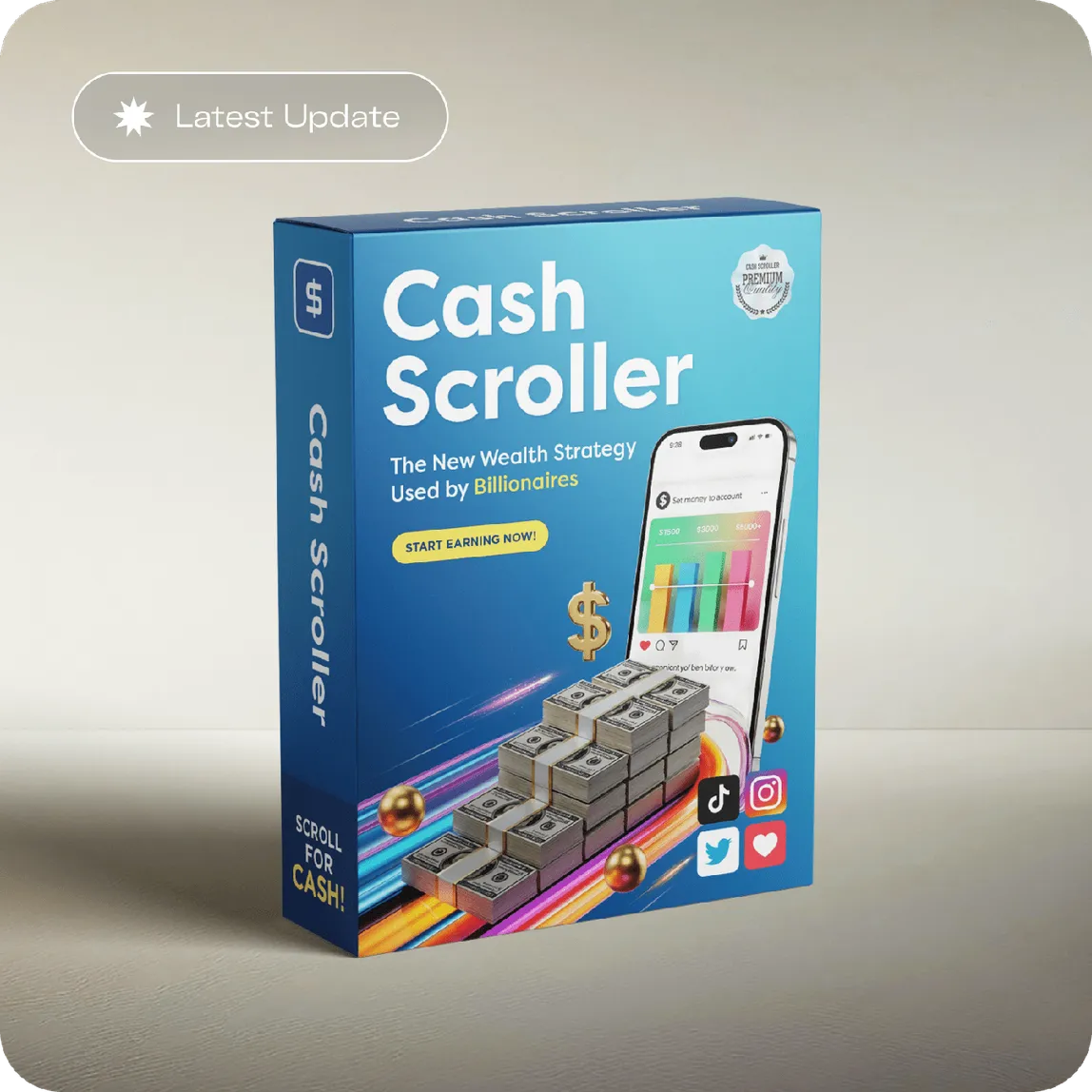
The CashScroller vs Buffer question is popular because the two products look like alternatives — both schedule social media posts — but underneath they are structured so differently that "which is better" is the wrong question. Buffer is a subscription scheduler that has operated publicly for well over a decade, with pricing printed on its own website, a documented set of platform integrations, and a support team you can hold to account. CashScroller is a newer, make-money-online-framed tool sold as a one-time purchase through ClickBank, with a June 2025 brand footprint. You are not comparing two flavours of the same product; you are comparing two business models, and the right choice depends on which set of trade-offs fits how you work.
We publish this as an independent affiliate site, so read the comparison with that disclosed interest in mind. Our aim here is not to declare a winner but to lay out, honestly, what each model gives you and what each one costs you — in money, in risk, and in the things that are hard to price, like knowing the company will still be there next year.
Pricing: one payment versus a monthly line item
Start with the money, because it is the clearest difference. Established subscription schedulers publish their prices, and at the time of writing the entry tiers cluster in a familiar band: Buffer and Later start around $19 per month for a modest number of channels, Publer sits lower at around $12 per month, and several tools — including Buffer's own free plan — will schedule a limited number of posts at no charge at all. Those figures move over time and vary by channel count, so always confirm the current number on each vendor's own pricing page rather than trusting a figure in an article, including this one.
CashScroller inverts that structure. Its price does not appear on the sales page and only becomes visible at the ClickBank checkout, where it is presented as a one-time payment with no monthly fee and no automatic renewal. If you want the full detail of how that hidden figure works and where it becomes binding, we cover it in what you actually pay for CashScroller at checkout. The headline contrast is simple: a subscription is a small number you pay forever, and a one-time tool is a larger number you pay once. Which is cheaper depends entirely on how long "forever" turns out to be for you.
Weighing a one-time price against a monthly one?
CashScroller's figure only appears on the official ClickBank order form, alongside its one-time terms and 60-day guarantee. Open the checkout to see the actual number before you compare it to a year of subscription fees.
See the current CashScroller offerThe long-run maths, done honestly
Here is where most "one-time vs subscription" arguments cheat, by comparing a single one-time price to years of monthly fees and declaring the one-time tool the obvious winner. The maths is real: at $19 a month, a subscription costs roughly $228 in a year and over $1,100 across five years, so a one-time tool priced anywhere below that undercuts it on paper. But "on paper" hides the assumption that does all the work — that the one-time tool keeps working for those five years.
Social platforms change their posting rules, APIs and permissions regularly, and every time they do, a scheduler has to be updated to keep publishing. A subscription vendor funds that maintenance out of your recurring fee; that is, in large part, what you are paying for. A one-time vendor has already collected your money and has to fund ongoing maintenance some other way. If they do, your single payment is a bargain. If they do not, the tool degrades, the integration breaks, and the "lifetime" you paid for quietly ends. The honest version of the long-run comparison is therefore not a number — it is a bet on vendor durability.
Track record and trust: the case for the established tool
This is the dimension where Buffer and its peers have a genuine, hard-to-fake advantage. A scheduler that has been operating publicly for years has a history you can inspect: reviews across the full arc of the product, a visible company, a support channel with a reputation, transparency reports, and a track record of surviving the platform changes described above. When something breaks, there is a known place to complain and a company with a reputation to protect. That accumulated evidence is worth real money, and it is precisely what a brand launched in 2025 cannot yet have, no matter how good the software is.
Addressing the obvious objection: does newness make CashScroller untrustworthy? No — every established tool was new once, and "new" is not "bad". But newness does mean the longevity question is genuinely open, and honesty requires saying so rather than papering over it. If the legitimacy question is what is really on your mind, we treat it directly in our look at whether CashScroller is legit and what the vendor has actually proven. The short version: a real, platform-administered refund window is reassuring, but it is not the same as a multi-year track record, and you should not confuse the two.
Integrations and features
Feature-for-feature comparisons in this category date quickly, so treat the direction of travel as the useful signal rather than any specific checkbox. Established subscription schedulers typically publish a supported-network list, offer analytics, team collaboration, browser extensions and documented integrations with the major platforms, and they update that list as the platforms evolve. Their features are, in a sense, a live service. A one-time tool's feature set is more like a snapshot: whatever it does on the day you buy it, guaranteed only for as long as the vendor keeps it current.
The practical takeaway is to buy a one-time tool for what it does today, not for a roadmap. If a specific integration is the reason you are buying, verify it works now, on your accounts, within the refund window — do not assume a feature list will be maintained. With a subscription, that maintenance is part of what your fee buys; with a one-time purchase, it is a hope rather than a contract.
The switching cost nobody puts in the comparison
There is a third number that neither a subscription price nor a one-time price captures, and it can dwarf both: the cost of switching later. Whichever tool you adopt, you invest time learning it, building your posting queue, connecting your accounts and settling into a workflow. If you outgrow it, or it stops being maintained, moving to something else is not free — you rebuild the queue, relearn an interface, and reconnect everything. That friction is real for both models, but it lands differently. Leaving a subscription is a clean decision: you cancel, the fee stops, and you walk. Leaving a one-time tool that has quietly stopped working means you have already spent the money and now have to spend the time as well.
This is why the honest recommendation leans on the free trial or free plan so heavily. Time spent learning a tool you got for nothing is time you can walk away from without regret; time spent building a workflow inside a paid tool you then abandon is a loss on both axes. Before you commit to either CashScroller or a subscription, ask how painful it would be to leave in a year — and let the 60-day guarantee, on the CashScroller side, and the free plan, on the subscription side, do the low-stakes testing for you before your workflow is locked in anywhere.

A side-by-side summary
The table condenses the comparison. It describes structural differences between the two models, not a verdict, and every figure should be re-checked on the vendor's own current pricing page before you rely on it.
| Dimension | CashScroller | Buffer (and similar subscription tools) |
|---|---|---|
| Pricing model | One-time payment, no monthly fee advertised | Monthly or annual subscription |
| Price visibility | Shown only at the ClickBank checkout | Published openly on the vendor's site |
| Typical entry cost | Single upfront figure (verify at checkout) | Free plan up to roughly $12–$19/month |
| Track record | Newer brand, launched 2025 | Multi-year public operating history |
| Ongoing updates | Depend on continued vendor maintenance | Funded by the recurring subscription |
| Refund / exit | 60-day ClickBank money-back guarantee | Cancel anytime; refund terms vary |
| Best fit | Buyers prioritising a single upfront cost | Buyers prioritising history, support and integrations |
A subscription is a small bill you pay forever for a service that keeps itself current. A one-time tool is a larger bill you pay once for a snapshot that may or may not be maintained. Neither is a trick; they are simply different bets.
So which should you actually choose?
Choose the established subscription tool if you value a public track record, published pricing, ongoing support and integrations you can hold someone accountable for, and if a predictable monthly line item does not bother you. That is the lower-risk path, and for most teams and businesses it is the sensible default. Choose CashScroller if avoiding recurring fees genuinely matters to you, you are comfortable buying a newer product for what it does today, and you intend to use the 60-day guarantee as a real test rather than a formality — installing it, scheduling actual posts, and deciding within the window.
Whatever you lean toward, the single best move for a beginner is cheaper than both options: start on a free plan. Buffer and several competitors let you schedule a small number of posts for nothing, which teaches you the workflow and shows you what you actually need before any money changes hands. Learn the job first, then buy the tool that fits it — whether that turns out to be a subscription or a one-time purchase.
Related reading
Frequently asked questions
Is CashScroller better than Buffer?
Neither is universally better; they are different purchases. Buffer is an established subscription scheduler with a public track record and integrations; CashScroller is a newer one-time tool. Which is better depends on whether you value predictable, supported monthly features or a single upfront payment that avoids recurring fees.
What do established schedulers offer that CashScroller may not?
Transparent published pricing, a multi-year operating history, documented platform integrations, ongoing customer support and regular updates. A brand launched in June 2025 cannot yet demonstrate the same longevity, which is the main unknown you accept when you buy a newer one-time tool instead.
Is a one-time tool cheaper than a subscription long term?
It can be, if the vendor stays online and the tool keeps working. A one-time price beats years of monthly fees on paper, but only if the software is maintained and the platforms it posts to do not change their rules and break the integration. That maintenance risk is the real cost you are weighing.
Which scheduling tool is best for a beginner?
The best one is the one you will actually use. Several platforms, including Buffer, schedule a limited number of posts for free, which lets a beginner learn the workflow before paying anything, whether they later choose a subscription or a one-time tool like CashScroller.
Sources & references

Compare the actual CashScroller offer
Numbers in a comparison table are only a starting point. See the real one-time price, the one-time terms and the 60-day guarantee on the official checkout, then weigh it against a year of subscription fees yourself.
See the current CashScroller offer