Free Social Media Scheduling Tools for 2026 Compared
What are the best free social media scheduling tools?
The best free social media scheduling tools in 2026 include Buffer and Metricool, both offering free plans that let you queue posts across a few channels. Free tiers cap channels, queue size, analytics and team features, so they fit solo beginners best. A one-time tool like CashScroller makes sense once those limits start to matter.
- Buffer and Metricool both run genuinely free plans with limited channels and posts.
- Free tiers cap analytics history, queue size and team collaboration features.
- Start free, pay only when a real limit is costing you time or reach.

If money is tight and you are just getting serious about posting, the smartest first move is not to buy anything at all. There are genuinely capable free social media scheduling tools in 2026 that will let you plan a week of content, queue it across your main platforms, and stop living inside your phone — all without a credit card. Starting free means you learn what you actually need before you pay for it, which is exactly the order most sales pages hope you will reverse.
This round-up covers the free schedulers worth trying first, the real limits their free tiers impose so you are not surprised later, and the honest question of where a paid or one-time tool fits once you outgrow them. That last part is where a product like CashScroller enters the picture: its pitch is a single one-time payment instead of a recurring subscription, which is only interesting if and when the free options stop being enough for you. Let us start where your budget wants you to start — at zero.
Why start with a free scheduler
A scheduler solves one specific problem: the friction of showing up consistently when real life keeps interrupting you. You batch several posts in one focused sitting, queue them, and the tool publishes on time while you get on with your week. That single habit — separating creation from publishing — is the quiet mechanism behind most people who manage to post steadily for months. And the good news is that the core of it costs nothing, because the free tiers of the major tools cover exactly this beginner workflow.
Starting free also protects you from a common and expensive mistake: paying for capacity you do not use yet. When you are posting to one or two platforms a few times a week, an enterprise-grade subscription is pure waste. Free plans let you build the habit, discover which platforms actually earn you attention, and identify the specific limit that eventually pinches — and knowing that limit is what turns a future purchase into a considered decision instead of an impulse.
The best free social media scheduling tools in 2026
A handful of tools offer free plans that are more than a trial. Here are the ones worth trying first, with honest notes on who each suits.
Buffer
Buffer remains the friendliest on-ramp for beginners. Its free plan lets you connect a small number of channels and queue posts in advance through a clean, uncluttered interface that does not overwhelm you on day one. It is ideal for a solo creator who wants to plan a week of content across their main platforms without a learning curve. The trade-off is scope: the free tier keeps channel counts and advanced planning features modest, nudging heavier users toward its paid plans over time.
Metricool
Metricool is the stronger free pick if analytics matter to you early. Its free plan combines scheduling with a more generous slice of reporting than most rivals, letting you see how posts perform and plan across several networks from one dashboard. That makes it a good fit for someone who wants to learn from their numbers, not just publish and hope. As with Buffer, the deeper analytics history, team seats and bulk features live behind the paid tiers.
Native platform schedulers and others
Do not overlook the free schedulers built into the platforms themselves, which let you queue posts directly with no third-party tool at all — useful if you post to only one or two networks. Beyond Buffer and Metricool, several other tools run free tiers worth a look depending on your platform mix. If you want a wider survey that puts free and paid options side by side, our guide to CashScroller alternatives in 2026, free and paid lays out the full landscape so you can match a tool to your specific channels.
Outgrowing the free tiers already?
If channel caps and queue limits are starting to slow you down, it may be time to weigh a one-time tool against another monthly bill. See what the front-end offer includes.
See the current CashScroller offer
What free tiers actually cap
Free plans are generous enough to be genuinely useful and limited enough to encourage upgrading — that is the whole business model, and there is nothing sinister about it as long as you know the caps going in. The most common limit is the number of connected channels: free tiers usually let you link only a few accounts, which pinches the moment you run more than a couple of platforms or manage a second brand. The second common limit is queue size — how many posts you can schedule ahead at once — which can cramp your batching if you like to plan a month in advance.
The third and most underestimated limit is analytics. Free tiers typically show only a short window of recent performance, so you cannot easily study long-term trends, and they omit the deeper reporting that helps you learn what works. Team collaboration, approval workflows and bulk uploads are almost always reserved for paid plans too. For a solo beginner posting to one or two platforms, none of these caps is fatal — they are livable at first. The point is to notice which one starts costing you time or reach, because that specific cap is your signal that it might be time to pay.
When it is worth paying, and where a one-time tool fits
Upgrading is worth it the day a free limit stops being a mild annoyance and starts being a real cost — when a channel cap forces you to post manually to a platform that matters, when a small queue breaks your batching rhythm, or when missing analytics leaves you guessing about what to make next. At that point the honest question is not free versus paid, but which kind of paid: a recurring subscription that bills you every month for as long as you use it, or a one-time tool you buy once.
This is the gap CashScroller aims at. It is browser-based software for composing, scheduling and publishing posts, sold as a single one-time payment rather than a monthly fee. Its appeal is purely economic and purely conditional: it is only worth considering once the free tiers fall short for you, and only if its features actually cover what you need. Before you decide, it is worth reading how CashScroller compares with Hootsuite to see the one-time-versus-subscription trade-off spelled out against a mainstream paid tool, feature by feature.
Free vs one-time vs subscription: the real math over time
The case for a one-time tool is entirely about time horizon. A subscription that looks cheap at, say, a low monthly rate quietly adds up across a year, and keeps adding up every year you keep it. A one-time purchase has a higher number on day one and a flat line after that. Somewhere down the calendar the two lines cross, and past that crossover the one-time tool is the cheaper option — provided it still does what you need and you actually keep using it. That last condition is where the honesty lives: a one-time tool you abandon after a month is not a saving, it is a sunk cost.
So the sensible sequence is: start free, use the free tier until a specific limit genuinely costs you, then compare the annual cost of the subscription you would need against the one-time price of a tool that covers the same ground. Factor in the funnel too, because the advertised entry price is not always the final total; our breakdown of CashScroller upsells and order bumps shows how to budget for what you would actually pay. Do the arithmetic against your real usage, not the marketing, and the right choice usually becomes obvious.
Three myths about free schedulers
Myth 1: free tools are too limited to be useful
For a beginner, the opposite is true. Free tiers of Buffer and Metricool comfortably cover the core habit — batch, queue, publish on time — that produces almost all of a scheduler's value. The advanced features you are missing are mostly for teams and multi-brand operations, not solo creators. Most people never hit the ceiling in their first few months, which means free is not a compromise at the start; it is the correct choice.
Myth 2: paying for a tool makes your posting earn money
No scheduler, free or paid, one-time or subscription, creates income. It automates delivery, not persuasion, and it cannot supply the audience or the offer that actually get paid. If you are weighing a paid tool partly because you expect it to lift your earnings, read our honest look at how much you can make posting on social media first, so the purchase is judged on workflow rather than on an income you are hoping it will unlock.
Myth 3: one-time always beats subscription
Only if you keep using it past the crossover point and it truly meets your needs. A one-time tool that lacks a platform you rely on, or that you stop opening after a few weeks, is more expensive than a free plan you actually use. "One-time" is a pricing model, not a guarantee of value. Match the tool to your real workflow first, and let the pricing structure be the tie-breaker, not the reason.
Related reading
Frequently asked questions
What are the best free social media schedulers in 2026?
Buffer and Metricool are two of the most widely used free social media schedulers in 2026. Both offer a free plan that lets you connect a limited number of channels and queue posts in advance. The right one depends on which platforms you post to and how many accounts you need to manage.
What are the limits of free scheduling plans?
Free plans typically cap the number of connected channels, the size of your scheduling queue, and how far back your analytics go. Team collaboration, bulk uploads and advanced reporting are usually reserved for paid tiers. For a solo creator posting to a couple of platforms, those limits are often livable at first.
When is it worth paying instead of using a free tool?
It becomes worth paying when the free limits start costing you time or reach, for example when you need more channels, a bigger queue, richer analytics, or to manage several brands. If you have outgrown a free tier, compare recurring subscriptions against a one-time tool before you commit to a monthly bill.
Is CashScroller cheaper than paid subscriptions over time?
It can be, because CashScroller is pitched as a one-time payment rather than a recurring subscription, so over enough months a single purchase can total less than repeated monthly fees. Whether it actually saves you money depends on the front-end price, any upsells you accept, and whether its features cover what you need.
Which free social media scheduler is best for beginners?
Buffer and Metricool both offer free plans that queue posts across a few channels. Free tiers fit solo beginners best.
Sources and further reading
- Buffer — plans and pricing (including the free plan)
- Metricool — plans and pricing (including the free plan)
- FTC Consumer Advice — when a business offer or coaching program is a scam
- U.S. Small Business Administration — marketing and sales guidance
- FTC Consumer Advice — online shopping and paying safely
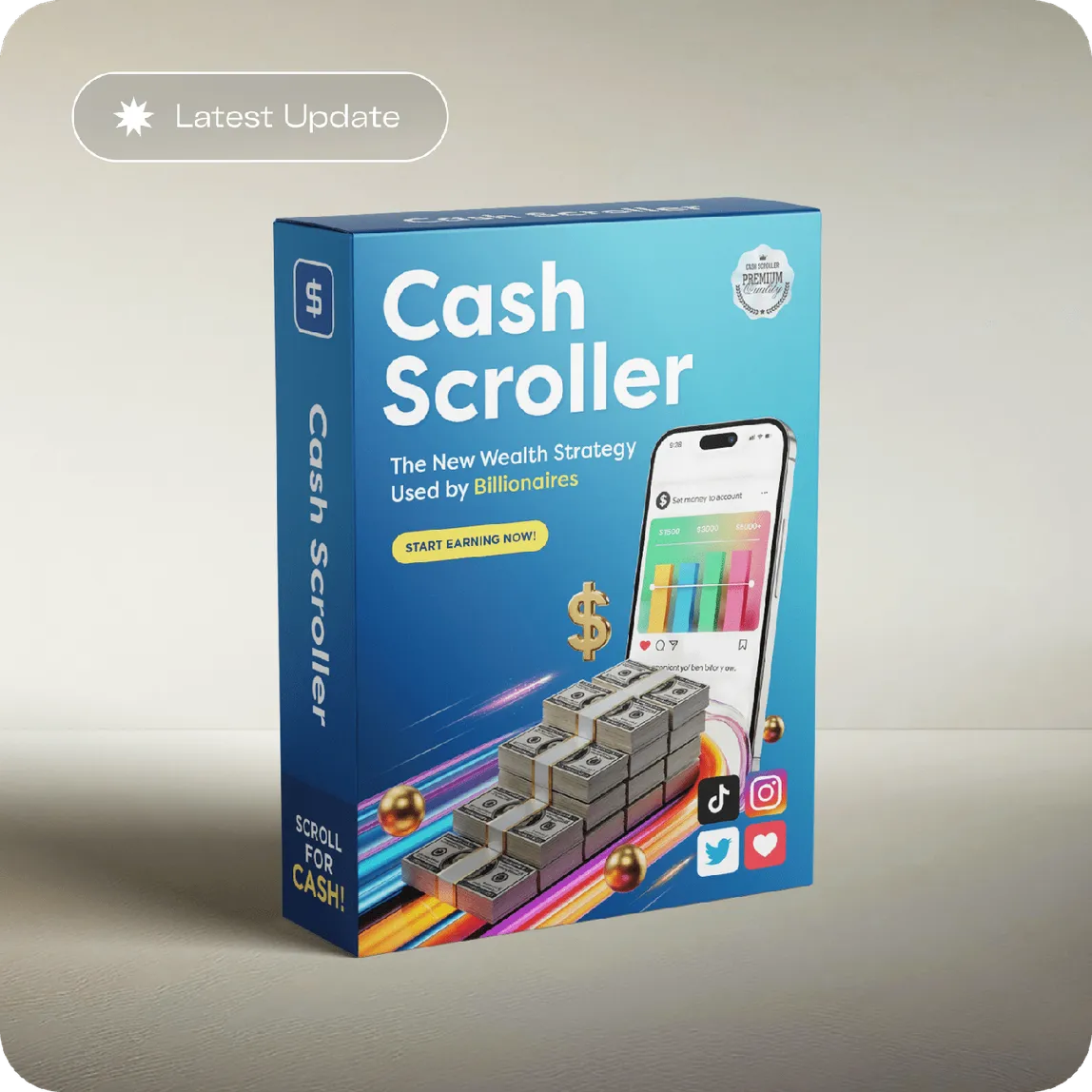
Free plan not enough anymore?
If you have genuinely outgrown the free tiers, compare a one-time purchase against another monthly subscription. Confirm the current price and what's included on the official checkout.
See the current CashScroller offer