Are ClickBank Products Legit? A Buyer's Guide
Quick answer: are ClickBank products legit?
Yes. ClickBank is a real, long-established digital retailer that acts as the merchant of record, processing your payment and your refund rather than the vendor or this site. Its standard 60-day money-back guarantee is enforceable, so the platform is safe — even though any single product on it still has to earn your trust on its own merits.
- ClickBank, not the seller, handles billing, receipts and refunds.
- The 60-day guarantee is a real, third-party-administered safety net.
- Platform legitimacy is not the same as product quality — judge each on its own.
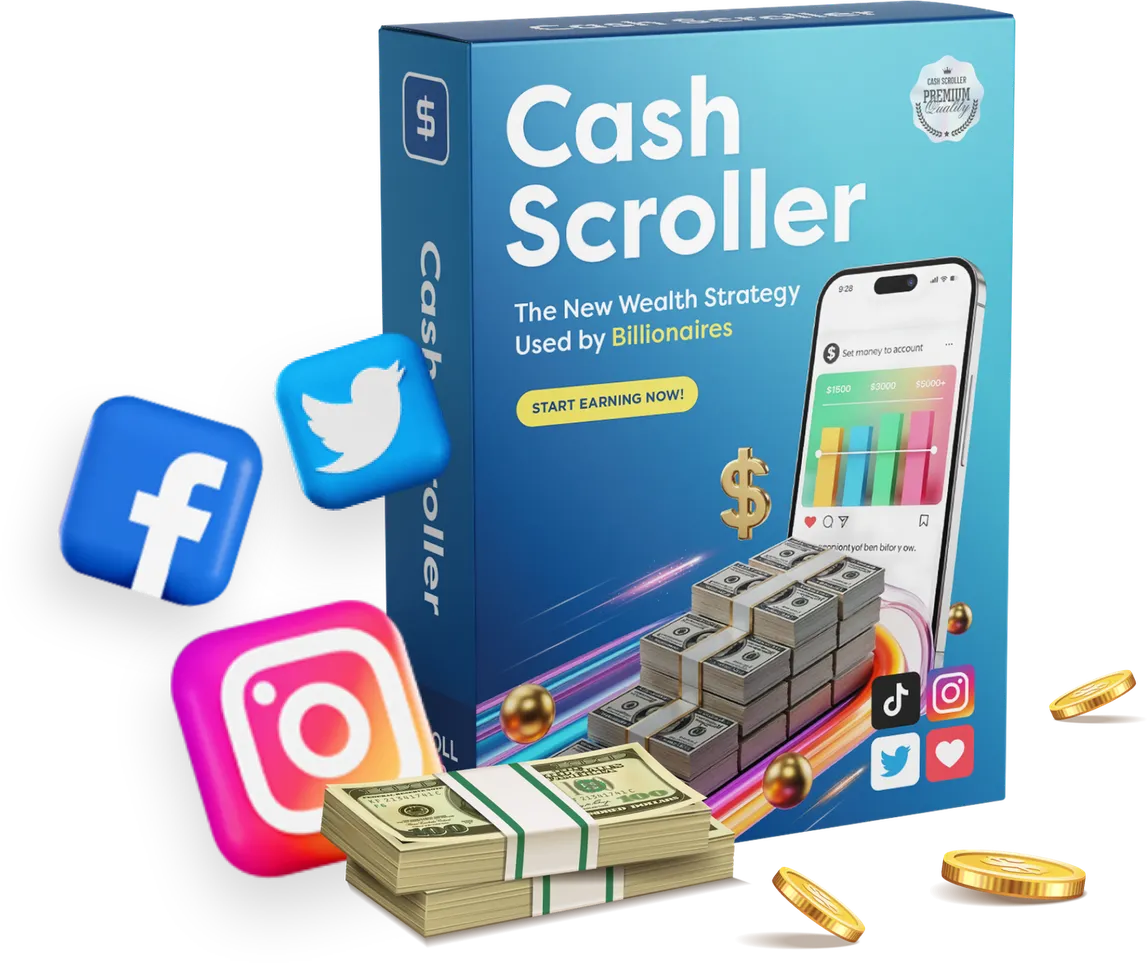
Are ClickBank products legit? It is one of the most sensible questions a first-time buyer can ask, and the good news is that it has a clear, checkable answer. ClickBank has been a mainstream digital marketplace since the early 2000s, and when you buy through it you are dealing with an accountable third party that stands between you and the vendor. That single structural fact is why a purchase through the platform is safer than handing your card to a two-month-old website with a homemade checkout — and it is the foundation of everything else in this guide.
But "the platform is legitimate" is not the same sentence as "every product on it is excellent", and pretending otherwise would be dishonest. ClickBank is a payment and refund layer, not a quality filter. So the useful version of this guide answers two things at once: why the platform itself is trustworthy, and how to tell a genuinely good offer from a weak one before you commit. We will use CashScroller — a browser-based social posting and scheduling tool sold through ClickBank — as the running example, because it is exactly the kind of product people are checking when they type this query.
What ClickBank actually is (and why "retailer of record" matters)
ClickBank is a digital retailer and affiliate marketplace. When you buy a product listed on it, ClickBank is the "retailer of record" — the legal seller that takes your money, issues your receipt and, crucially, owns the refund process. The person or company who built the software is the vendor; ClickBank is the shop counter. That distinction sounds like paperwork, but it is the whole reason the platform is considered safe.
Here is why it matters in practice. Because ClickBank is the merchant of record, your card details are handled by an established, compliance-audited company rather than by whoever registered the sales page last month. Your receipt comes from ClickBank. And if you want your money back, you ask ClickBank — not the vendor, and definitely not an independent site like this one. That means the most important safety mechanism in the transaction is administered by a company with a two-decade track record and a standard policy it applies across the marketplace, not by the goodwill of a seller you have never met.
This is the same reason we tell readers, in our guide to where to buy CashScroller safely and avoid copycat pages, to always complete checkout on the official ClickBank order flow. The protection only exists if the transaction actually runs through the platform.
Are ClickBank products legit? Separating the platform from the product
Let's answer the headline question in the most useful way possible: by splitting it in two. The platform question and the product question deserve different answers, and conflating them is how people either dismiss a usable tool as a scam or buy a weak one expecting magic.
The platform: legitimate, full stop. ClickBank is a real, well-known retailer with a published return policy, secure processing and a long operating history. Buying through it is a normal, safe online transaction. Millions of digital purchases have flowed through it, and its refund policy is one of the more consumer-friendly in the industry. If your definition of "legit" is "will I get a real product and can I get my money back", the platform answer is an unambiguous yes.
The product: it depends, and you have tools to judge it. Any given listing is only as good as the software behind it. A great tool and a mediocre one can sit side by side in the same marketplace with the same refund policy. So the platform gives you protection; it does not give you a verdict. For CashScroller specifically, we walk through what checks out and what is unproven in our detailed look at whether CashScroller itself is legit as a piece of software — the tool is real and functional, while the income its name implies is simply not something the vendor has substantiated.
How ClickBank's 60-day refund really works
The refund is the part of the deal most worth understanding, because it is what turns a purchase into a low-risk trial. ClickBank applies a standard 60-day money-back guarantee to eligible products. Sixty days is generous by digital-product standards — it is long enough to genuinely use a tool through a full billing cycle of your own workflow and decide whether it fits, rather than a high-pressure 24-hour window designed to lapse before you have opened the app.
The mechanics are simple. You request the refund through ClickBank, not the vendor, using the order number printed on the receipt ClickBank emailed you at purchase. The money is returned to your original payment method. Buyers commonly report the refund arriving within roughly five business days once the request is approved, though exact timing depends on your bank. There is no need to argue with a seller, chase an unanswered support address, or hope a solo developer honours a promise — the return is handled by the retailer under a policy that applies marketplace-wide.
Two habits make the guarantee bulletproof. First, keep the ClickBank receipt the moment it lands in your inbox; the order number on it is your key to the whole process. Second, note the refund deadline in your calendar on the day you buy, so the 60-day window can never quietly expire while you mean to get around to testing the product. Do those two things and your downside is capped at zero for two full months.
Want to test a ClickBank tool with the refund on your side?
If a real scheduling tool backed by a genuine 60-day ClickBank money-back guarantee is what you were after, you can see the current terms and pricing on the official page and decide from there — with the refund window working for you from day one.
See the current CashScroller offerWho do you actually contact for a refund?
This trips up more buyers than it should, so let's be blunt: for a CashScroller refund, you contact ClickBank. Not the vendor. Not this website — we are an independent publisher and we never touch your payment or your money back. ClickBank processed the sale, so ClickBank owns the return. You file the request through ClickBank's customer support using the order number on your receipt, inside the 60-day window, and the amount goes back to your card.
Knowing this in advance is quietly powerful. A lot of the anxiety around "are ClickBank products legit" comes from the fear of being stuck with a purchase and no one to talk to. That fear evaporates once you realise the refund route does not depend on the seller answering an email. It depends on an established retailer applying a standard policy — which is exactly the kind of accountable counterparty you want on the other side of an online purchase.
The "new domain" objection, and what it really means
Run a young product's website through an automated reputation checker and you will often see a cautious score, largely because the domain is new. CashScroller's domain was registered around 2025, which reputation tools penalise by default — scammers churn through fresh domains fast, so "young" and "risky" tend to get scored the same even though they are not the same thing.
Here is the honest framing: a new domain means a limited track record, not proof of fraud. It is a reason to lean harder on the parts you can verify — the retailer, the refund, the official checkout — rather than a verdict that the offer is dangerous. Every legitimate product was new once. The difference between caution and paranoia is whether you use the protections available to you, and with a ClickBank purchase those protections are substantial. This is the same "read the evidence, not the vibe" discipline we lay out in our guide to how to read an income claim before you buy anything.
Buying a CashScroller-type product safely: a short checklist
If you have decided a tool is worth trying, the platform makes a safe purchase straightforward. Run through this before you click buy:
- Buy only through the official ClickBank checkout. That is what activates every protection in this article. Bookmarking a copycat page or a "discount" mirror is how people lose the guarantee.
- Save the receipt immediately. The order number is your refund key. Do not delete the email.
- Diarise the 60-day deadline. Give yourself a reminder a week before it lapses so you have time to decide and, if needed, request the refund.
- Judge the tool on its stated features, not its name. Ask whether the software does something you actually need. For CashScroller that means composing, scheduling and reporting on social posts — useful jobs, whatever the branding implies about cash.
- Understand the full price ladder. Many ClickBank funnels include optional order bumps and upsells after the first purchase. Knowing what is core and what is optional keeps you in control of the spend.
On that last point, it is worth reading how the checkout is structured before you arrive at it. Our breakdown of what CashScroller actually costs once you account for the add-ons means no line item on the order page catches you by surprise.
How to spot a low-quality ClickBank offer
Because the platform does not vet product quality, the burden of judgement is on you — and that is easier than it sounds once you know the tells. A weak or overhyped offer usually gives itself away long before checkout:
- Specific income promises with no substantiation. "Make $500 a day" with no data, no methodology and no typical result is marketing, not evidence. The strongest offers describe what the tool does, not what your bank balance will do.
- Invented or unverifiable testimonials. Walls of five-star quotes with stock photos and dollar figures are a classic manufactured-social-proof pattern. Ironically, an offer with no testimonials at all can be more honest than one with fabricated ones.
- Hidden pricing. If you cannot find the real price without clicking through the entire funnel, that is a design choice, and rarely one made in your favour.
- Buried or vague refund terms. A legitimate offer leans into the 60-day guarantee because it is a selling point. One that hides it is telling you something.
- Pressure and false scarcity. Countdown timers that reset on refresh and "only 3 left" on a digital download are theatre, not genuine scarcity.
None of these tells mean the platform is broken — they mean an individual seller is leaning on hype. The fix is the same every time: judge the software on its concrete features, discount the earnings theatre entirely, and use the 60-day refund to test rather than to gamble. We keep a fuller catalogue of these warning signs in our guide to the red flags to spot in make-money-online offers.
Myth vs fact: three things people get wrong
Myth: "ClickBank is a scam." No. ClickBank is a legitimate, long-running retailer. What people usually mean is that they have seen overhyped products sold through it — a complaint about certain sellers, not about the payment platform, which is doing its job of processing and refunding reliably.
Myth: "If it is on ClickBank, it must be good." Also no, and this is the more dangerous mistake. The platform guarantees a safe transaction and a refund, not a great product. The marketplace hosts everything from excellent tools to forgettable ones. Your judgement still matters.
Myth: "A new domain means it is fake." A young domain means a short track record, which is a reason for care, not a proof of fraud. With a ClickBank purchase you have a real refund to fall back on, which is precisely how you buy from a newer brand without taking on much risk.
The bottom line for skeptical buyers
So, are ClickBank products legit? The platform is — genuinely and verifiably. ClickBank processes your payment and your refund as an accountable retailer of record, applies a real 60-day money-back guarantee, and returns your money to your original card, often within about five business days of approval. That is a materially safer way to buy a digital tool than most alternatives, and it is why a healthy skeptic can proceed with confidence rather than walking away.
What the platform cannot do is judge the product for you, and it would be dishonest to pretend it could. For CashScroller, that means treating it as what it is — a real, ordinary social posting and scheduling tool — and deciding whether that utility is worth the price to you, with the refund window turning the whole thing into a controlled trial. Keep the platform question and the product question side by side, and you cannot be misled in either direction.
Frequently asked questions
Is ClickBank a safe place to buy digital products?
Yes. ClickBank is an established digital retailer that acts as the merchant of record for tens of thousands of products, which means it handles the card processing, the receipt and the refund rather than an anonymous vendor. Your payment security and your money-back guarantee both sit with ClickBank, not with the individual seller or with this site.
How do ClickBank's 60-day refunds actually work?
ClickBank applies a standard 60-day money-back guarantee to eligible products. You request the refund through ClickBank using the order number on your receipt, not through the vendor, and the amount is returned to your original payment method. Buyers commonly report the money arriving within about five business days once the request is approved.
Who do you contact for a CashScroller refund?
You contact ClickBank, because ClickBank is the retailer of record that processed the payment — not the CashScroller vendor and not this independent site. Use the order receipt ClickBank emailed you, quote the order number, and file the request inside the 60-day window. That is the single most important safety feature of the whole purchase.
How can you spot a low-quality ClickBank offer?
Watch for pages that promise specific incomes without substantiation, invent five-star testimonials, hide the price until the last click, or bury the refund terms. A legitimate listing on the platform is still only as good as the product behind it, so judge the tool on its stated features and lean on the 60-day guarantee to test it risk-controlled.
Sources and further reading
Related reading
Buy with the platform on your side
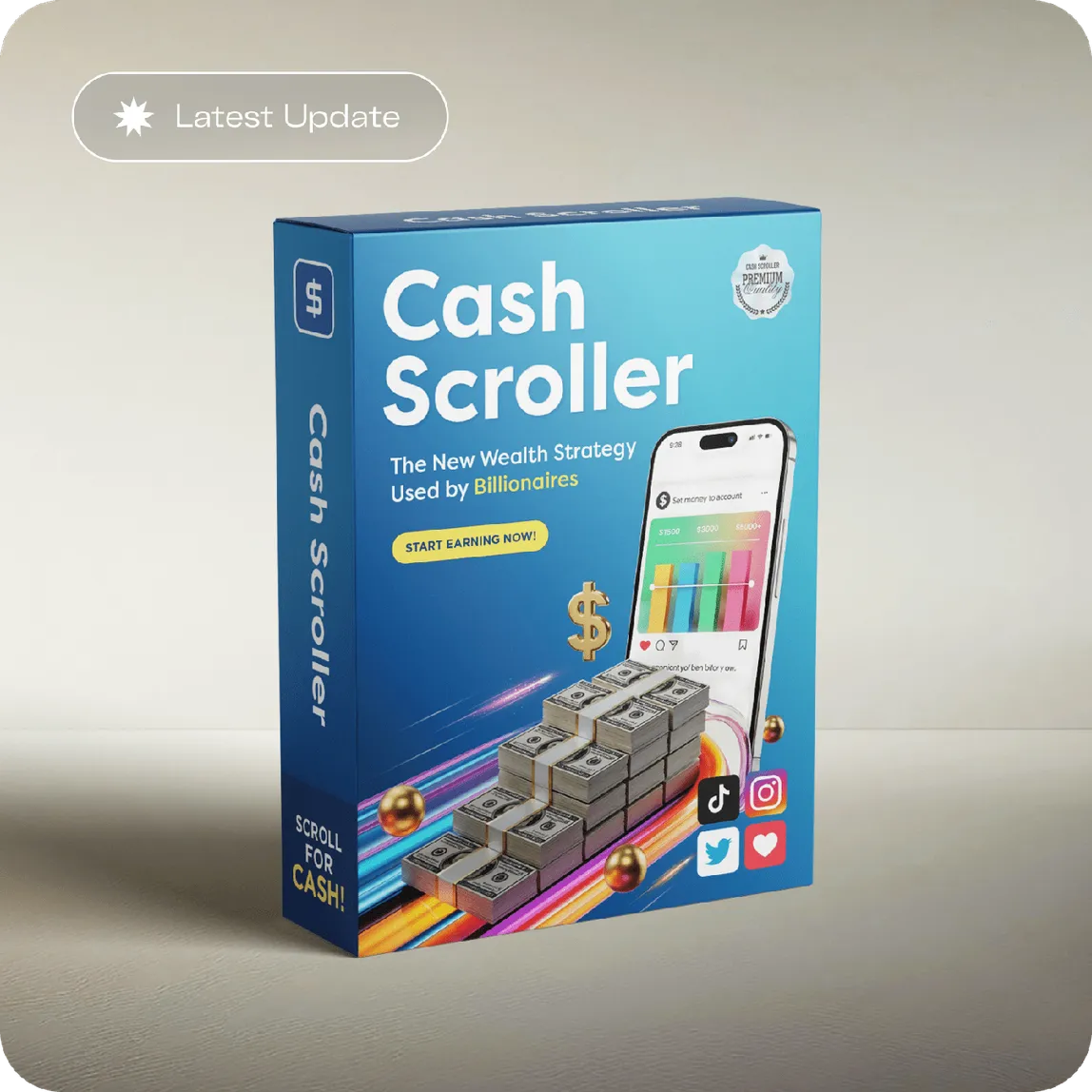
You now know how ClickBank protects you: retailer of record, a real 60-day money-back guarantee, and refunds returned to your card. If the tool fits the way you want to work, the official checkout is one click away.
See the current CashScroller offer